Monthly Archives: July 2019
Weight Based Products for WooCommerce: Sell Products by Weight with Ease
WordPress Maintenance Tips On Monthly Basis
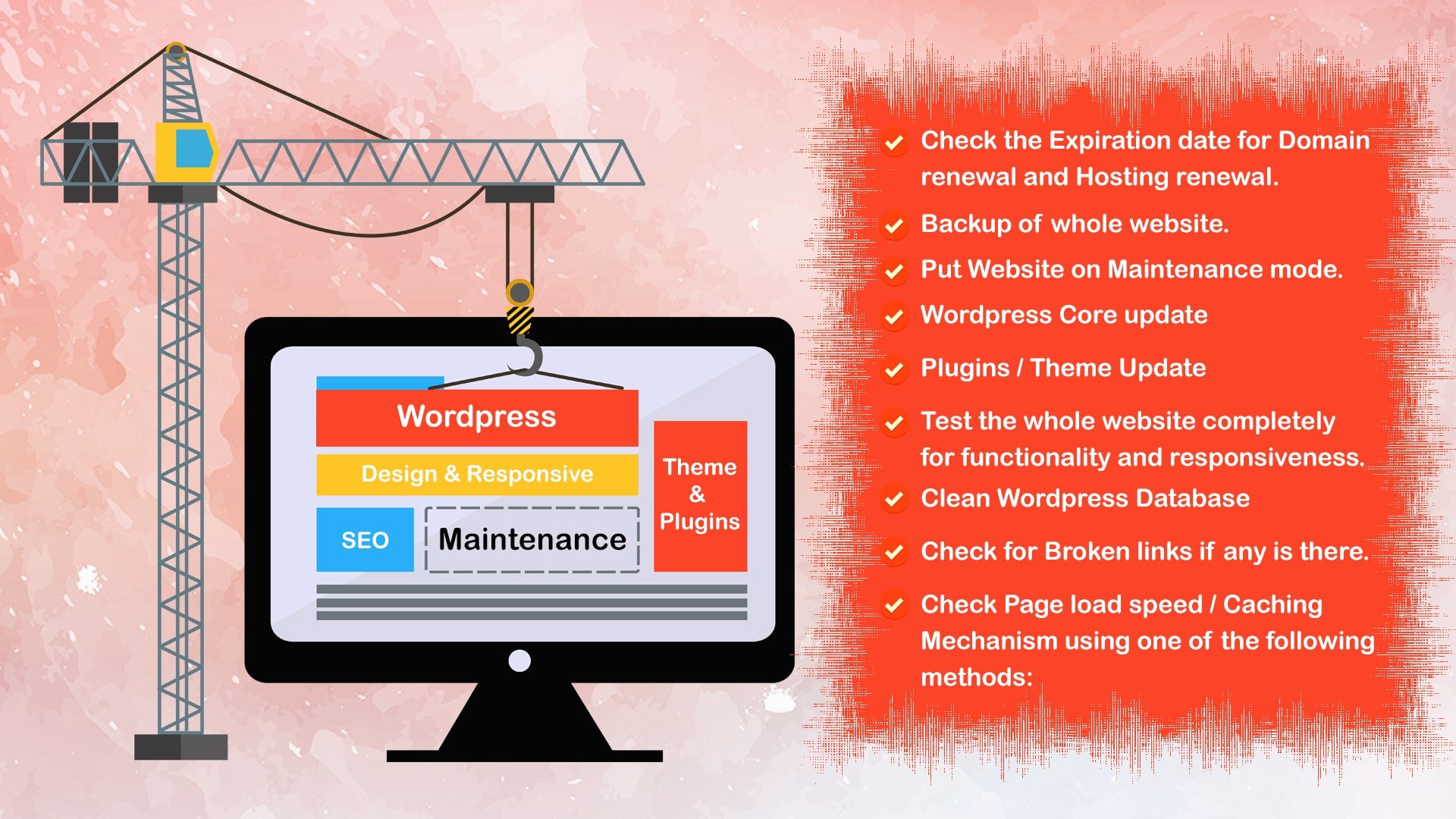
As all we know, WordPress is the most widely used CMS due to its wide community support, free plugins, themes, and GPL license. Still, maintaining a WordPress website is not easy if you do not know what to do if you are a layman or from a non-technical background. Using these maintenance tips, you can easily handle your WordPress website on a monthly or weekly basis or whenever there is a new WordPress version launched.
WordPress Maintenance is necessary because of the following things:
1. To make your website hack-proof.
2. To take advantage of New WordPress Features.
3. To get a more optimized website in terms of security.
4. For better User Experience.
5. To avoid Google penalties if something is not up to Google Algorithm
When you are doing a WordPress maintenance, the first thing you need to take care of is what version of WordPress you have, what is the latest version. If both are not the same, then you will need to upgrade your website. You can use the following screenshots to know how to check your Wordpress version and the latest version.
In WordPress, we have multiple themes when you make a website. But, out of multiple themes, we only use One at a time. Using the below screenshots, you can see how to check the current version and the latest version of your theme.
For Checking Current Version of Theme:
Things to take care during WordPress Maintenance
WordPress Maintenance is a process of making your WordPress website more secure, update to date as per WordPress standards and SEO friendly. It requires once in a Month or whenever an update is available for Wordpress.
1. Up to Date so we can use new plugins.
2. To protect from diff. Hacks
3. SEO friendly